EC18008 Richmond Screen Install Guide
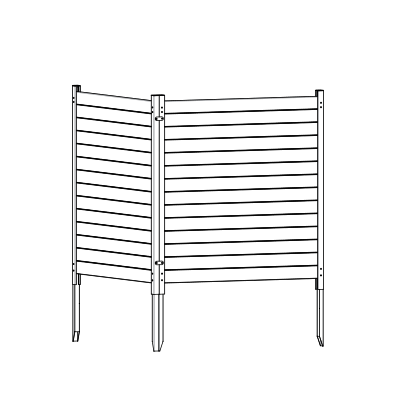
Richmond Screen Kit — 38" W x 42" H
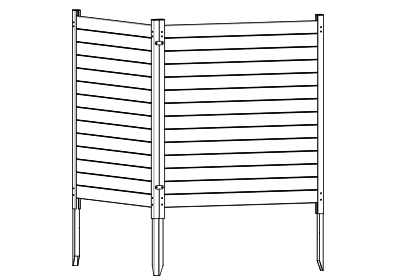
EC18008
Approximate assembly time for 45 minutes (2 screens)
Click here to watch an installation video
Introduction
General Information
Important Safety Notes:

- We recommend 2 people for a smoother assembly.
- Assemble on a box or other smooth surface to prevent scratching.
- When tapping posts into the ground, use a scrap wood block to protect the posts.
- Check straightness with a level during installation.
Returns:
If you wish to return your product, please contact us first — we can often help resolve the issue right away.
If a return is still necessary, it must be initiated with the retailer where the product was purchased.
Need Help or Replacement Parts?
Although great care has been taken to ensure proper packaging and handling of this product, occasional issues can occur.
If you need replacement parts, assembly assistance, or have questions about the product, our customer service team is ready to help:
- Website: https://parts.nychbrands.com
- Email: support@encloscreens.com
- Phone: 704-892-5222 or 877-234-6196
Customer service agents are available 9am–5pm EST, Monday–Friday.
For Quick Assistance:
- Have reference item number EC18008
- Provide the specific part name
- Include the batch lot number found on the end of the box
Product Specifications
Detailed Dimensions & Specifications
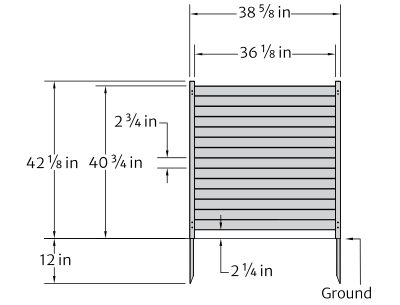
Product Specifications:
- Screen width: 38 ⅝ in
- Overall height: 42 ⅛ in
- Ground insert depth: 12 in
Lay Out Materials
Power Drill and Drill Bit
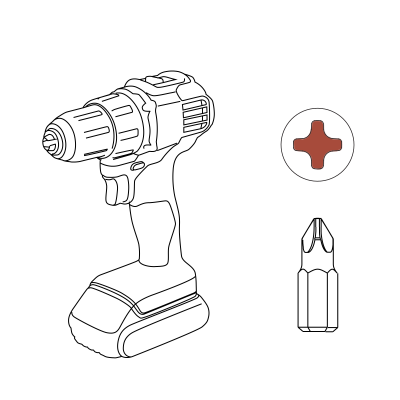
Required for a smoother installation experience.
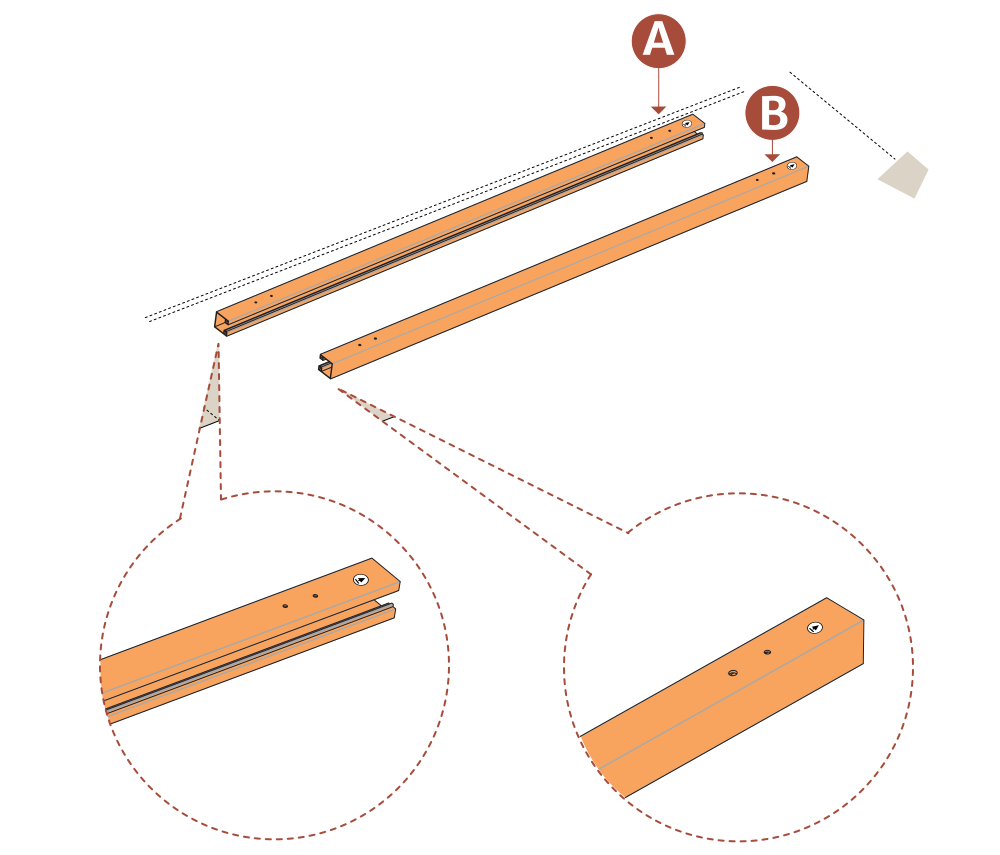
A — Left Post (2)
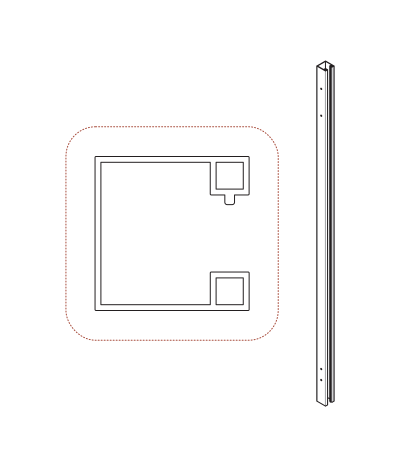
1 ¼" x 1 ¼" x 42"
B — Right Post (2)
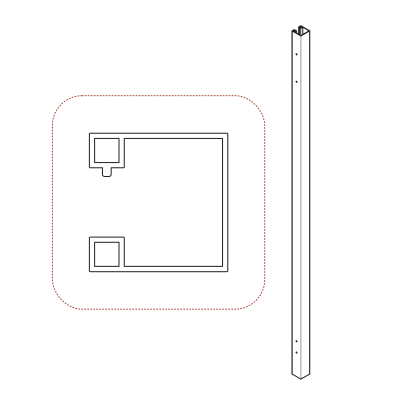
1 ¼" x 1 ¼" x 42"
C — Board (26)
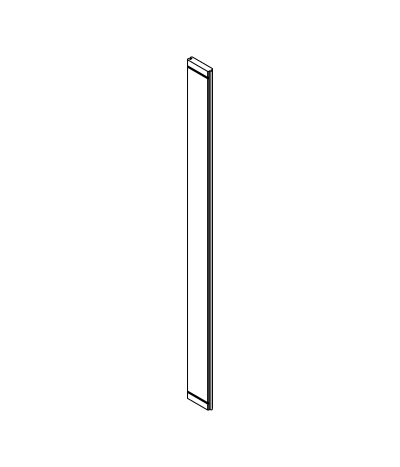
⅝" x 3" x 38"
D — Top Board (2)
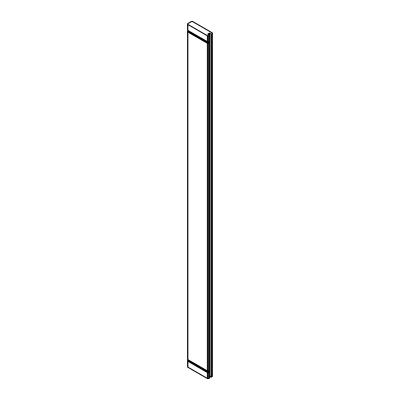
⅝" x 2 ⅝" x 38"
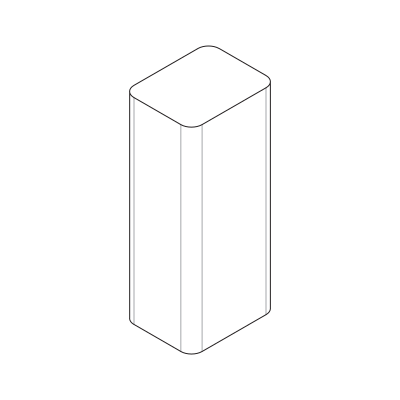
E — Post Cap (4)
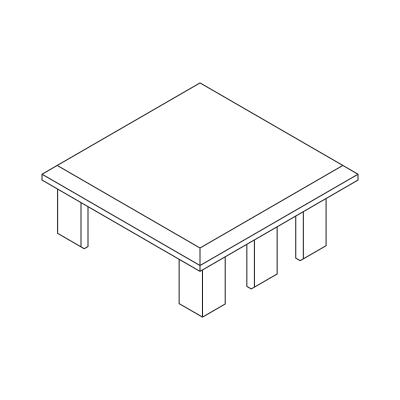
F — Wood Assembly Spacer (2)
G — Post Anchor (4)
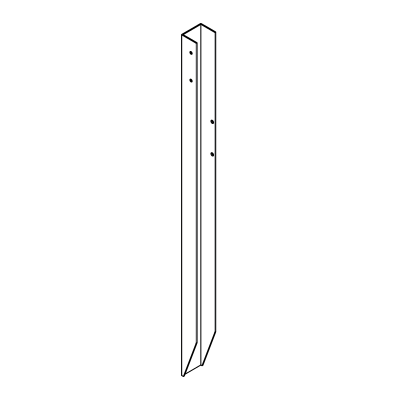
⅞" x 1 ¹⁄₉" x 17"
H — Joiner Clip (2)
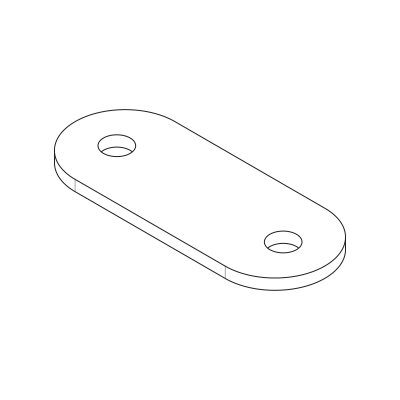
¹⁄₁₃" x ¾" x 1 ¾"
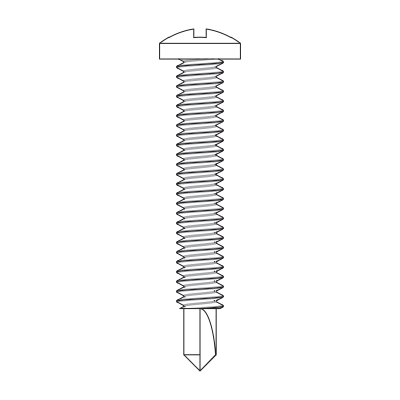
I — 1" Stainless Steel Screw (20)
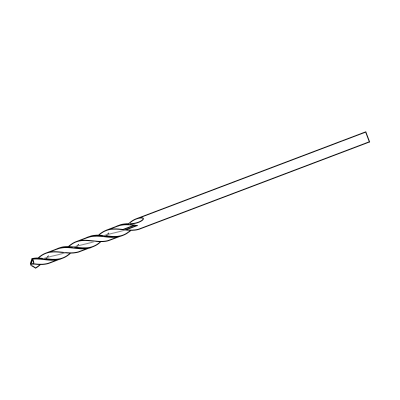
J — ⅛" Steel Drill Bit (1)
Step 1
- Assemble on a box or other smooth surface to prevent scratching.
- Use (1) Left Post (A) and (1) Right Post (B).
- Note: The end of each post is marked with a sticker is the top.
Step 2
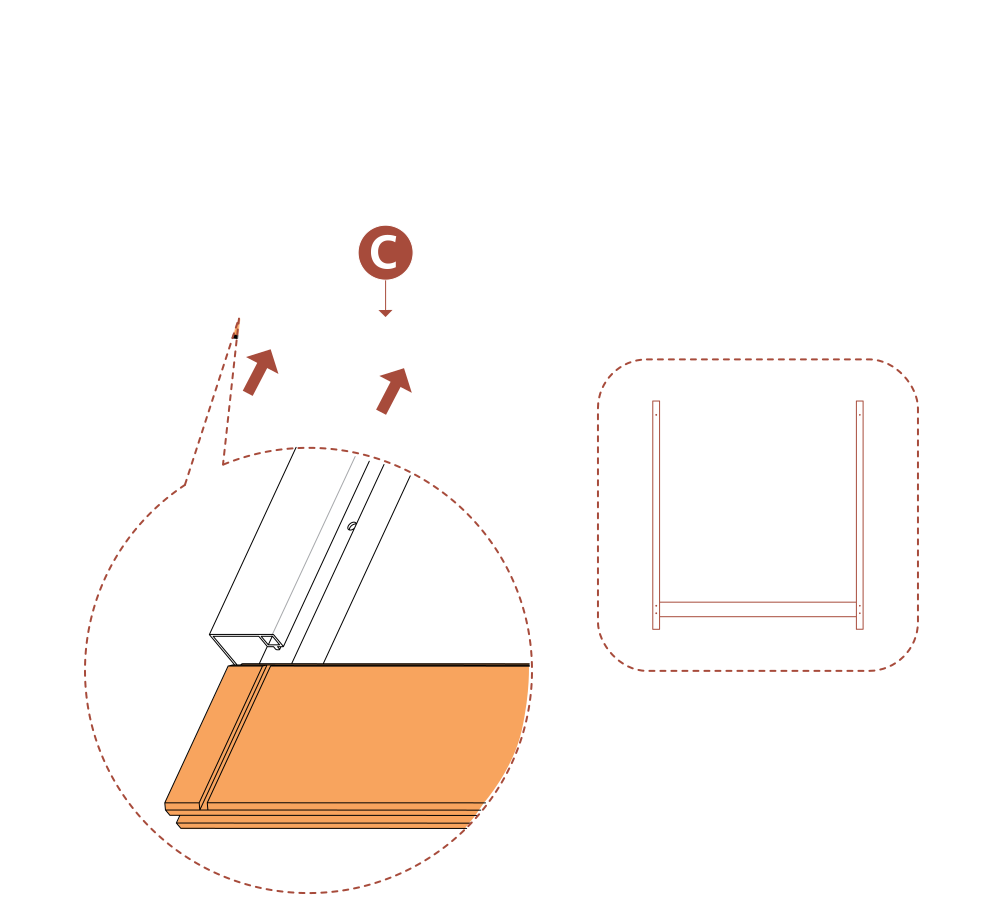
- Insert (1) Board (C) into posts.
Step 3
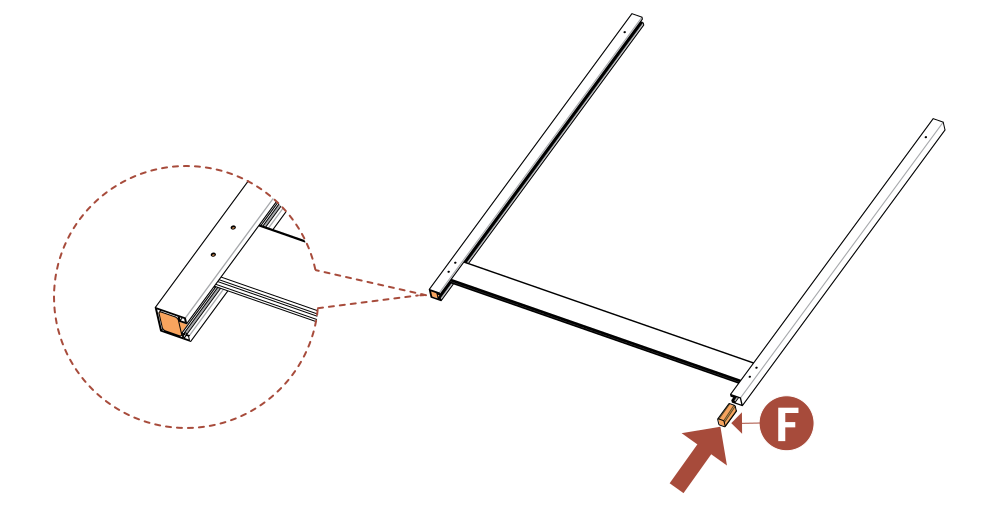
- Install (1) Wood Assembly Spacer (F).
- Ensure spacer is flush.
Step 4
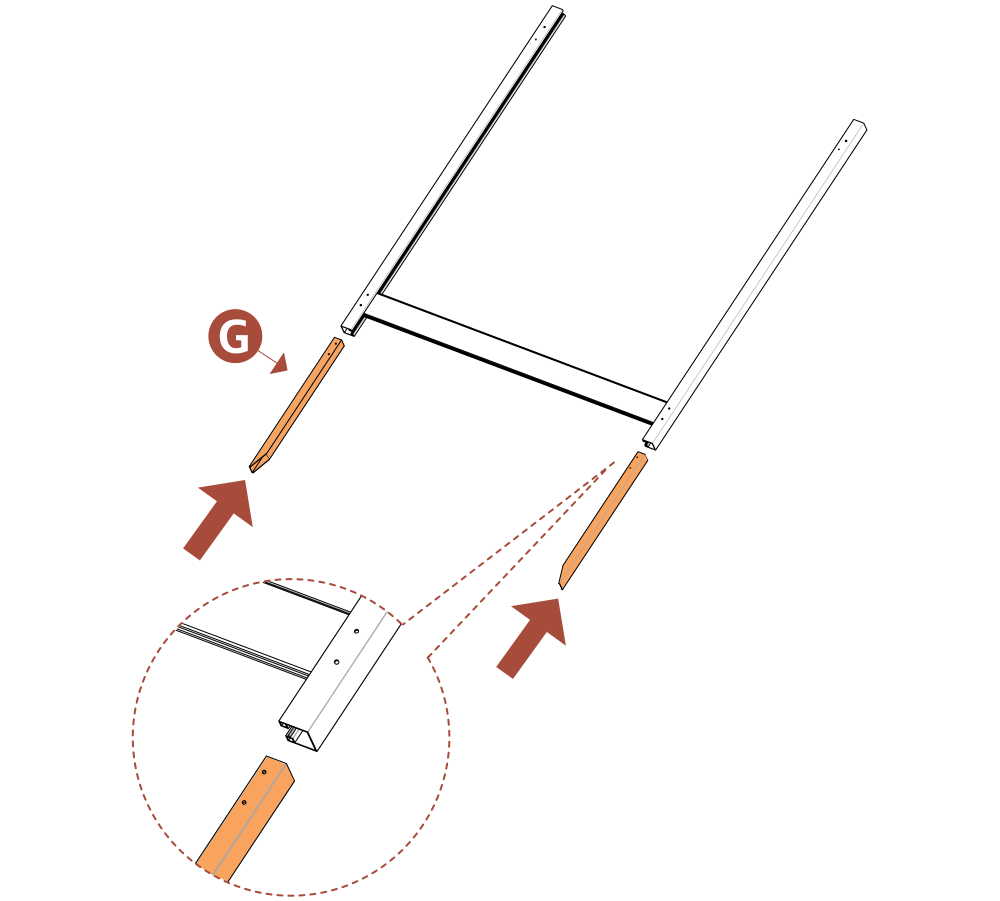
- Insert 2 Post Anchors (G).
- Align holes.
Step 5
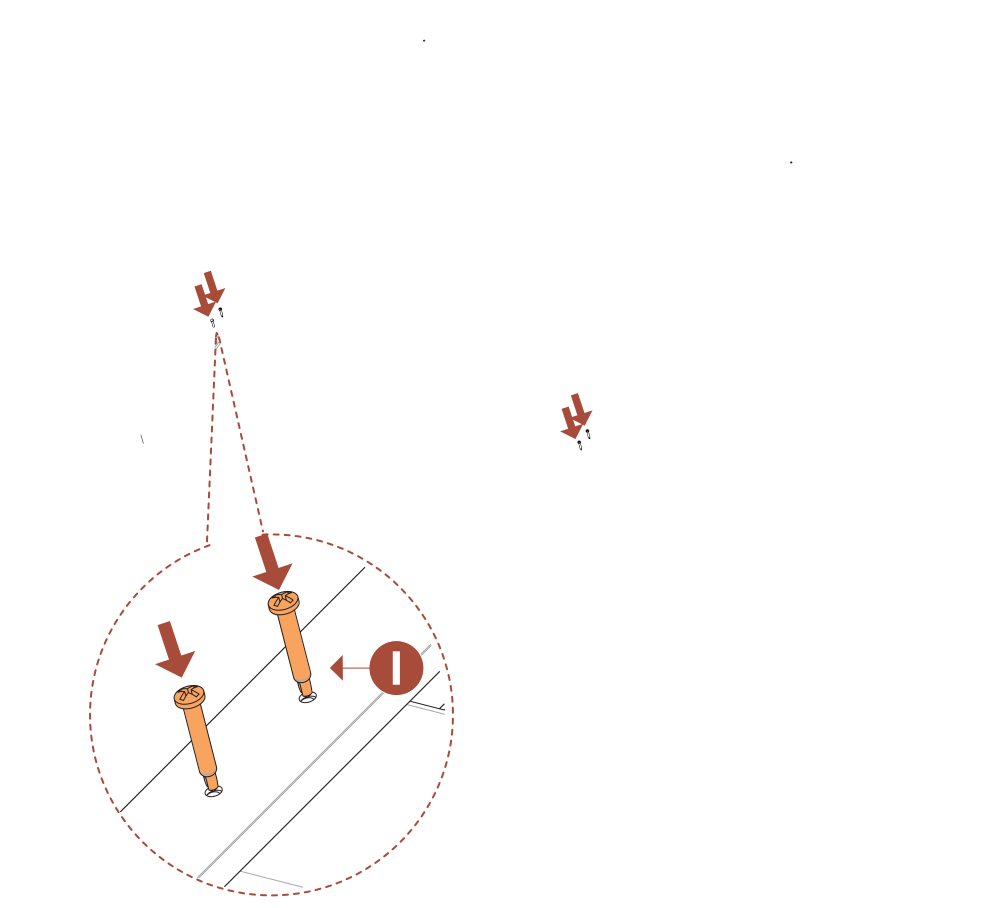
- Secure post anchors using (4) 1" Stainless Steel Screws (I).
- Ensure all holes are aligned before tightening.
Step 6
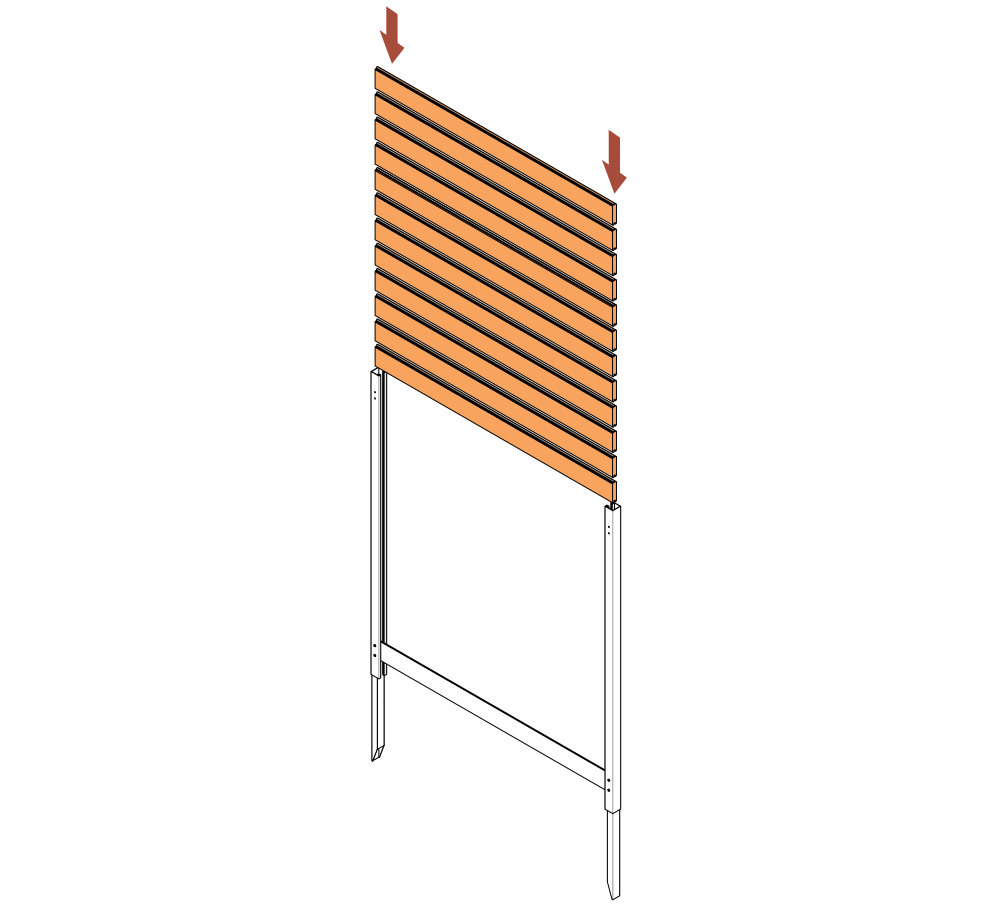
- Insert the remaining (12) Boards (C) to complete the first panel.
Step 7
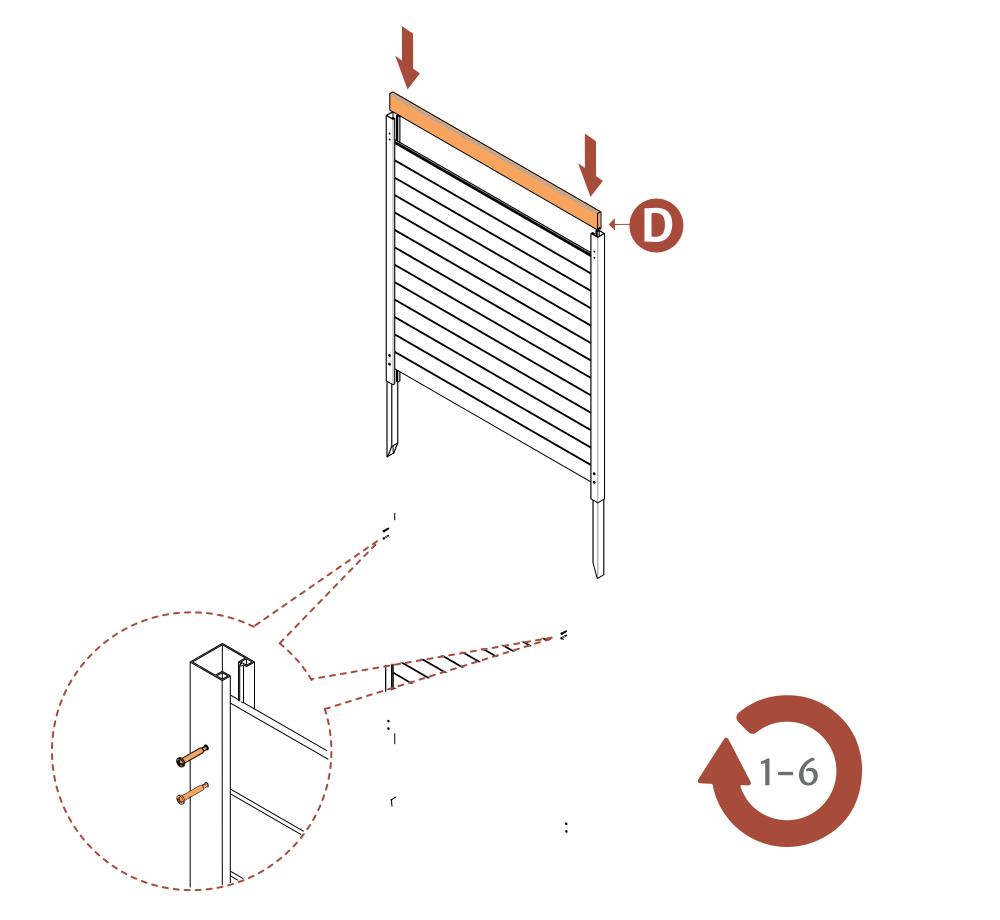
-
Attach (1) Top Board (D) using (4) 1" Stainless Steel Screws (I).
-
Repeat Steps 1–6 to create the second panel.
Step 8
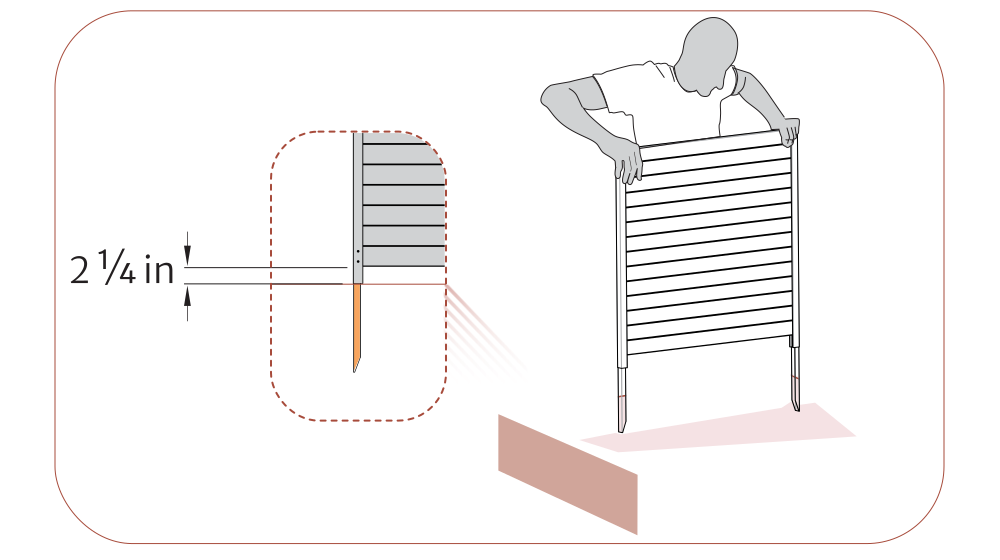
- Attempt to push your first panel into the ground.
Step 9
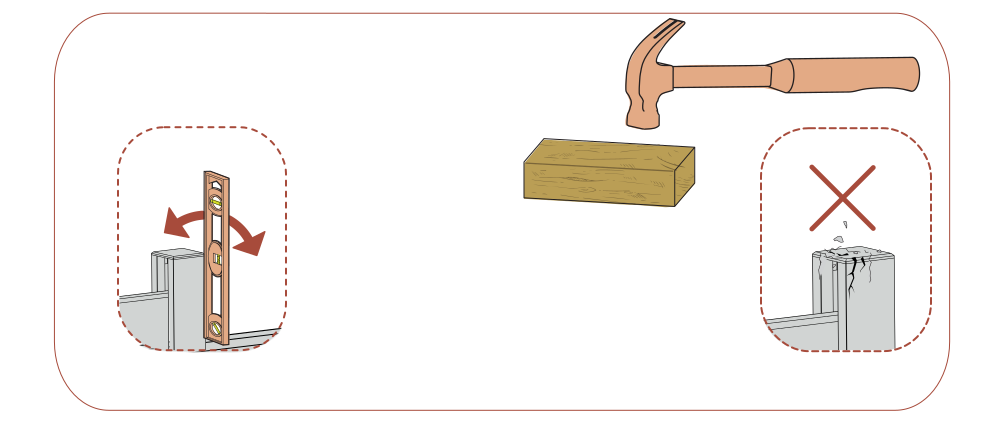
- Tap posts using a scrap wood block and check straightness with a level.
Step 10
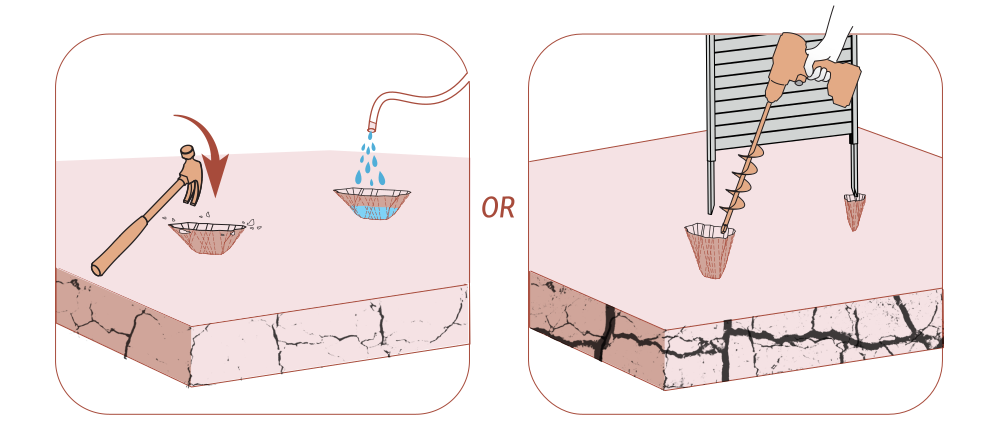
If ground is too hard:
- Loosen ground and soak with water or use a 1 ½" Tulip Auger drill attachment.
- Repeat the process for the second panel. Install the panel into the ground at the desired angle.
Step 11
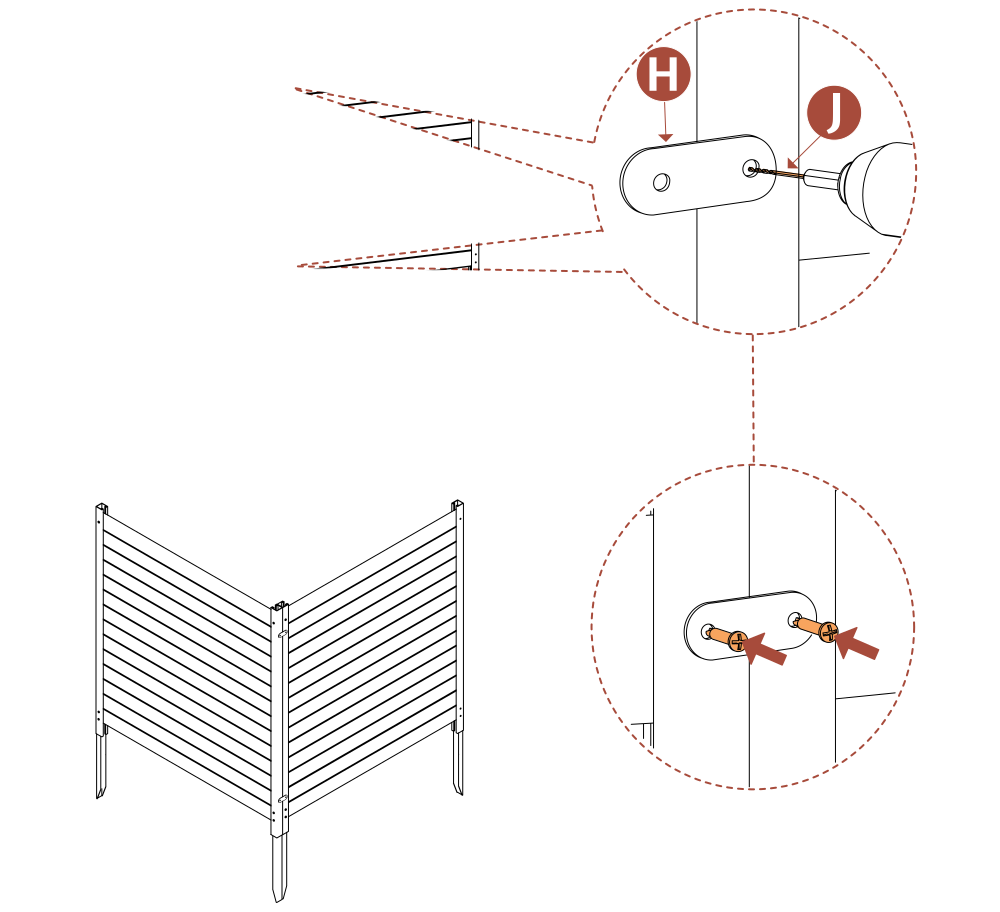
Optional: Pre-drill holes before placing screws using Drill Bit (J).
- Install (2) Joiner Clips (H) using (4) 1" Stainless Steel Screws (I).
Step 12
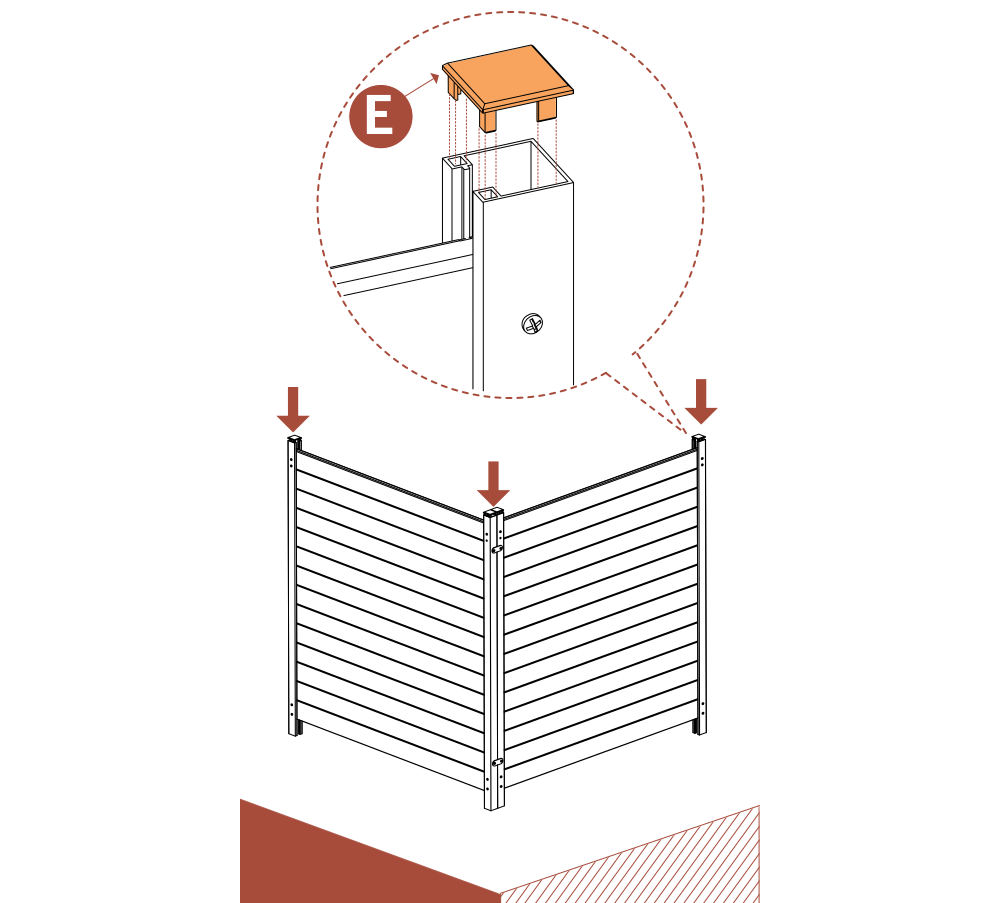
- Finish by installing (4) Post Caps (E).
Need Help?
- Email: support@encloscreens.com
- Phone: 704-892-5222 or 877-234-6196
- Text: 980-580-6508
