Lincoln Privacy Screen
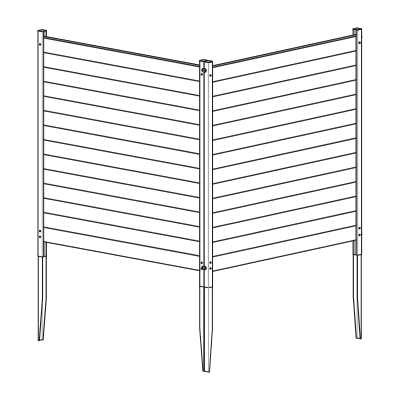
General Information
Important Safety Notes:
- Check inside larger pieces for additional materials packed within.
- Assemble on a non-abrasive surface (e.g. shipping box) to avoid scratching.
- Allow approximately 5' x 8' of clear space for unobstructed assembly.
- Do not use excessive force when assembling components.
Returns:
If you wish to return your product, please contact us first — we can often help resolve the issue right away. If a return is still necessary, it must be initiated with the retailer where the product was purchased.
Need Help or Replacement Parts?
If you need replacement parts, assembly assistance, or have questions about the product, our customer service team is ready to help:
- Website: https://parts.nychbrands.com
- Email: support@encloscreens.com
- Phone: 704-892-5222 or 877-234-6196
Customer service agents are available 9am–5pm EST, Monday–Friday.
For Quick Assistance:
- Have reference item number EC18001 (Cedar Color) / EC18002 (Charcoal Color)
- Provide the specific part name
- Include the batch lot number found on the end of the box
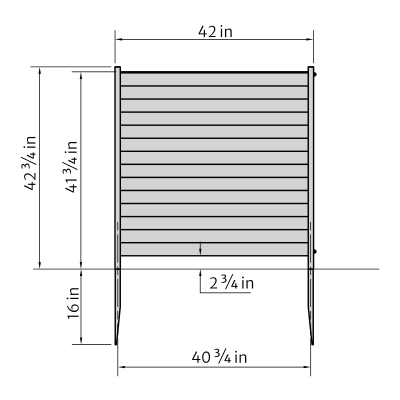
Product Specifications & Dimensions
Step 1: Part Identification
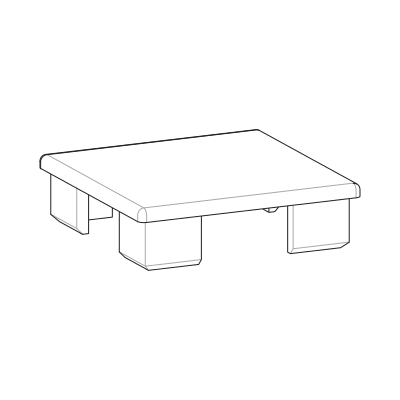
A — Post Cap (4)
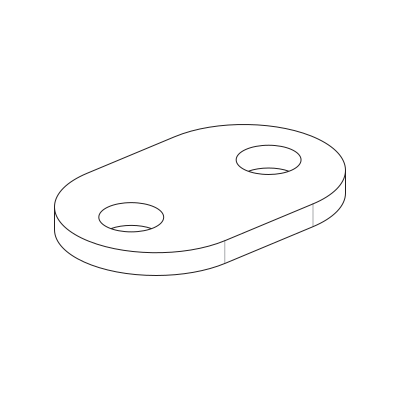
B — Joiner Clip (2)
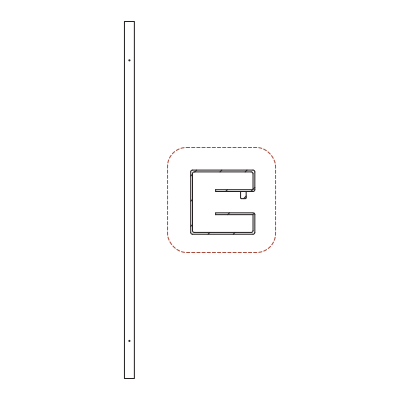
C — Left Post (2)
1⅛" x 1⅛" x 42¾"
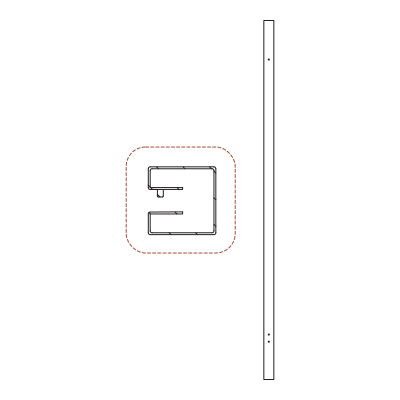
D — Right Post (2)
1⅛" x 1⅛" x 42¾"
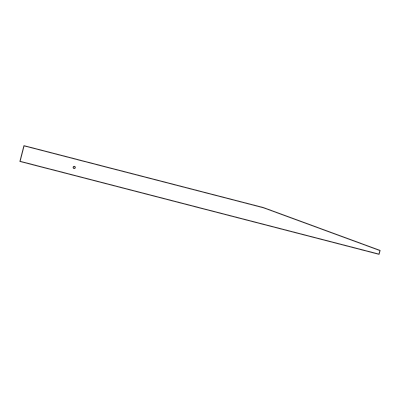
E — Post Anchor (4)
1" x 1" x 24"
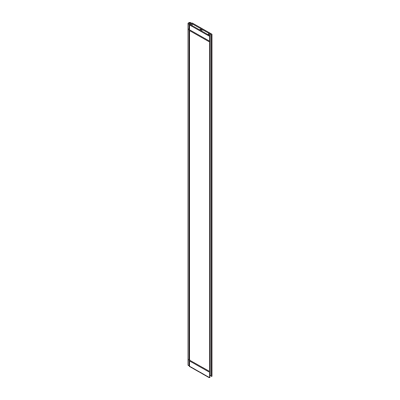
F — Post Board (28)
⅜" x 3" x 41½"
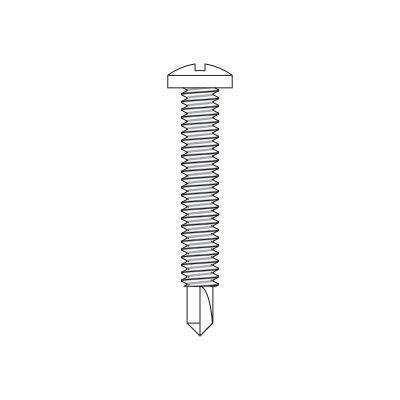
G — 1" Stainless Steel Screw (16)
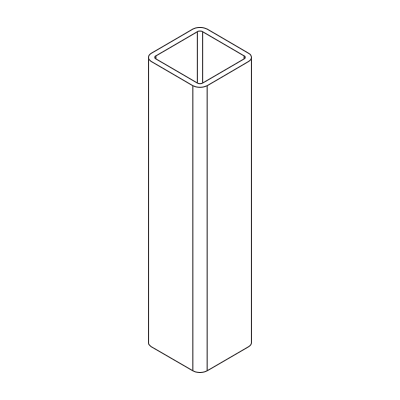
H — Spacer (2)
⅝" x ⅝" x 2¾"
Step 2: Insert Privacy Board
Step 2.1

- Orient the Left Posts (C) and Right Posts (D) so the pre-drilled holes face forward and the open channels face inward toward each other.
Step 2.2
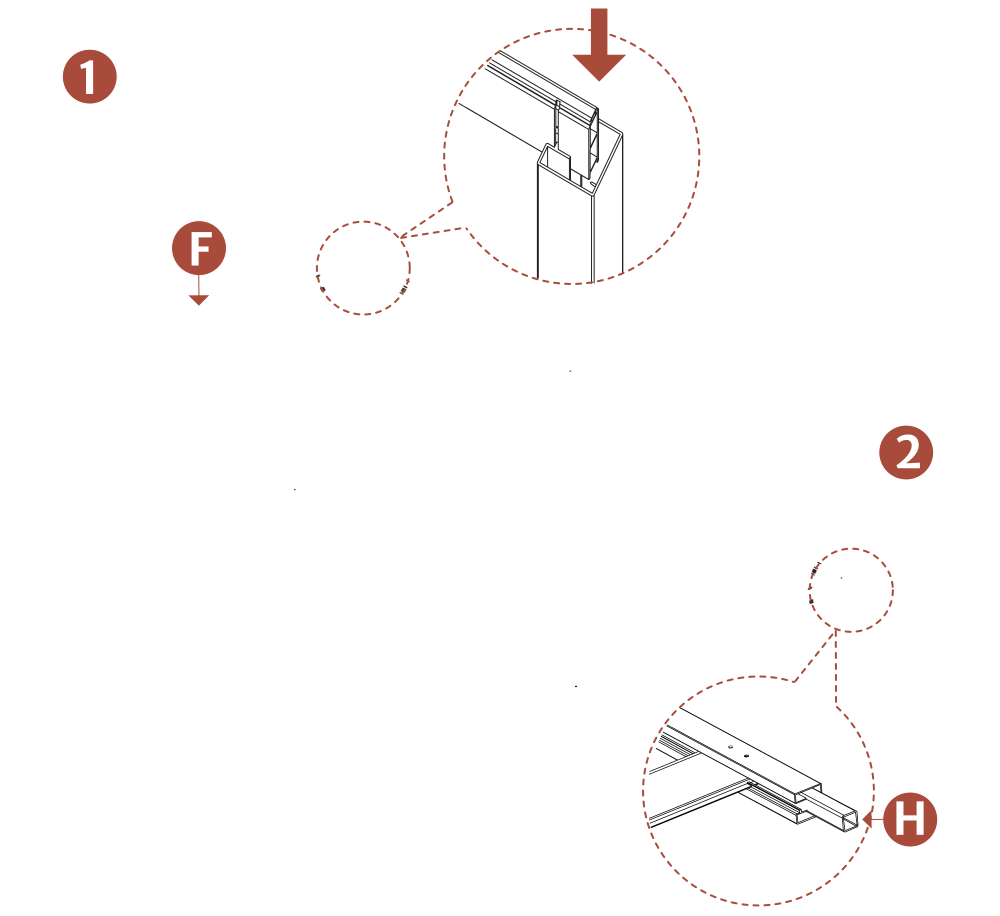
- Slide a Post Board (F) into the grooves of the left and right post.
- Insert one Spacer (H) into the bottom of each post until flush, then slide the board down until it rests on both spacers. This will be the bottom of the screen.
Step 3: Assemble the First Screen
Step 3.1
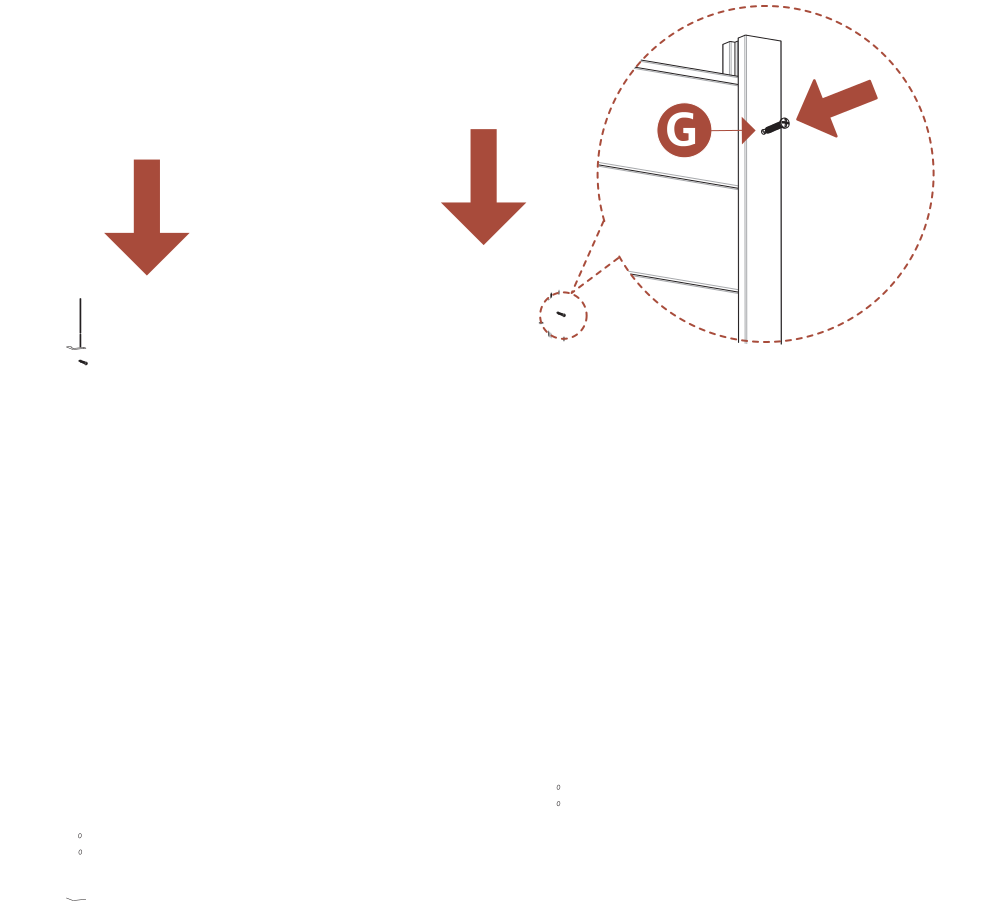
- Slide 13 additional Post Boards (F) into the post channels to fill the screen.
- Drive (2) 1" Stainless Steel Screws (G) into the pre-drilled holes in the posts to secure the boards.
Step 3.2

- Flip the screen so the post bottoms face up. Remove both Spacers (H), then insert the Post Anchors (E) into each post until the pre-drilled holes align.
- Drive (4) 1" Stainless Steel Screws (G) into the pre-drilled holes to secure the post boards and post anchors.
Step 4: Assemble the Second Screen
Step 4.1
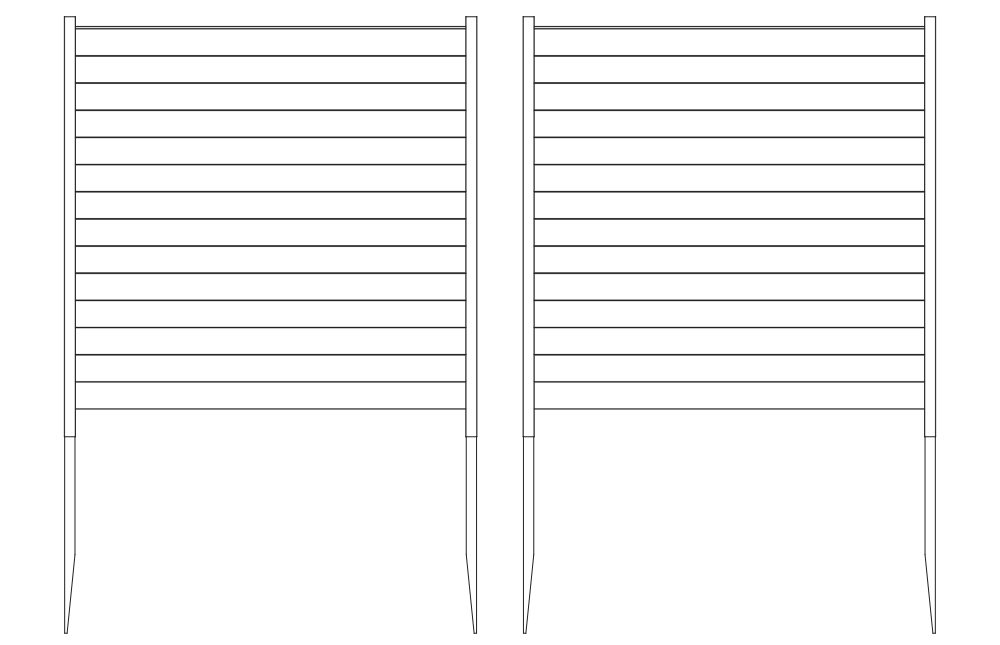
- Repeat Steps 2–3 to assemble the second screen.
Step 5: Installing the Screen in the Ground
Step 5.1

- Move the screen to its final location and attempt to push the posts into the ground by hand.
- If the ground is too hard, loosen the top 6"–7" of soil with a claw hammer, then add water to soften it.
- Place a block of wood on top of the post to protect it, then gently hammer the post into the ground.
Step 5.2

Optional — Hard Ground: If the ground is very firm, or you have more than 3–4 panels to install, consider using a 1¾" diameter auger bit (commonly used for planting tulips, $15–$20 on Amazon). Drill a hole 12"–16" deep, fill with water, then push the post into the hole.
Step 5.3
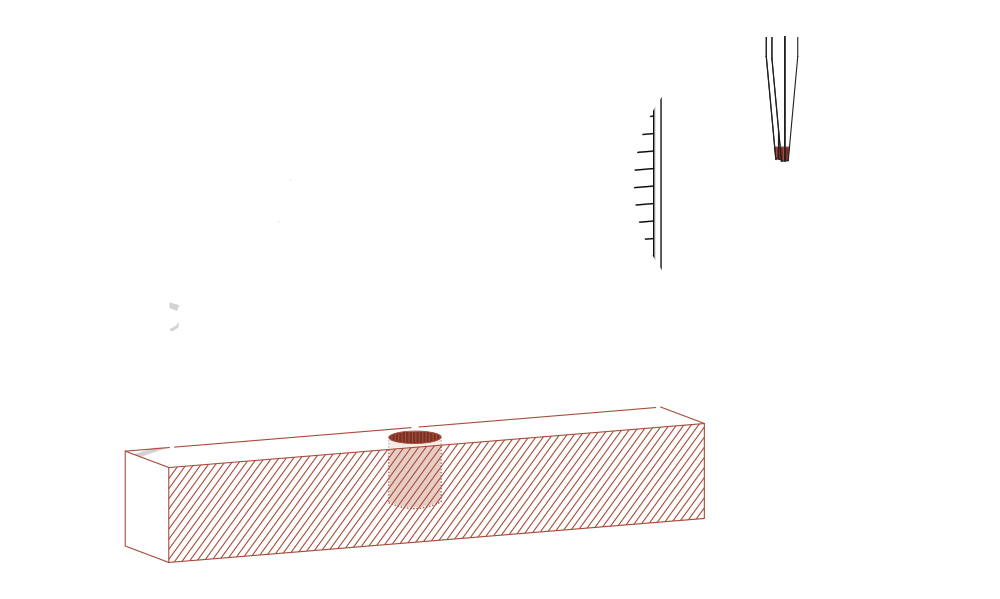
- If the ground is extremely hard, dig a hole 8" in diameter and 14" deep to accommodate one post from each panel in the same hole.
Step 5.4
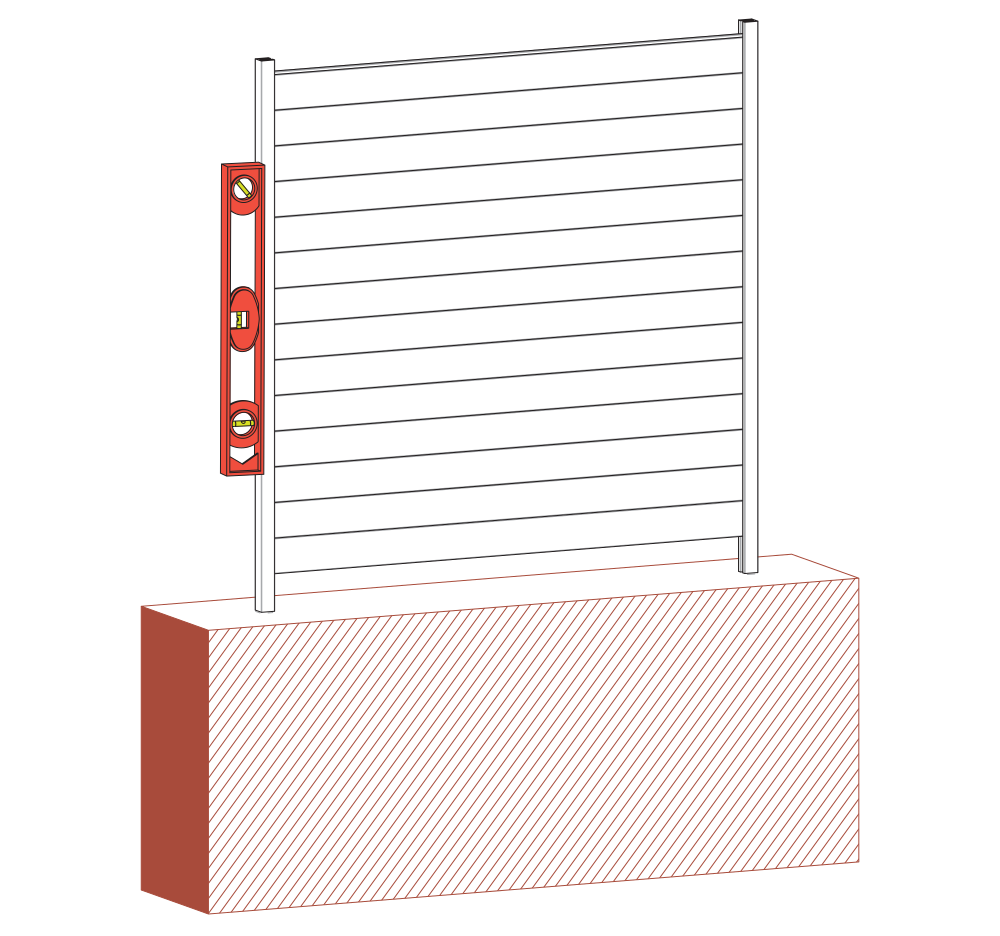
- Level the screen as needed, backfill with excavated dirt, and tamp to secure.
Step 6: Connect the Screens
Step 6.1

- Straight Line: Connect adjacent screens using Joiner Clips (B) and 1" Stainless Steel Screws (G) as shown.
- Corner: Connect screens at a right angle using Joiner Clips (B) and 1" Stainless Steel Screws (G) as shown.
Step 7: Install Post Caps
Step 7.1
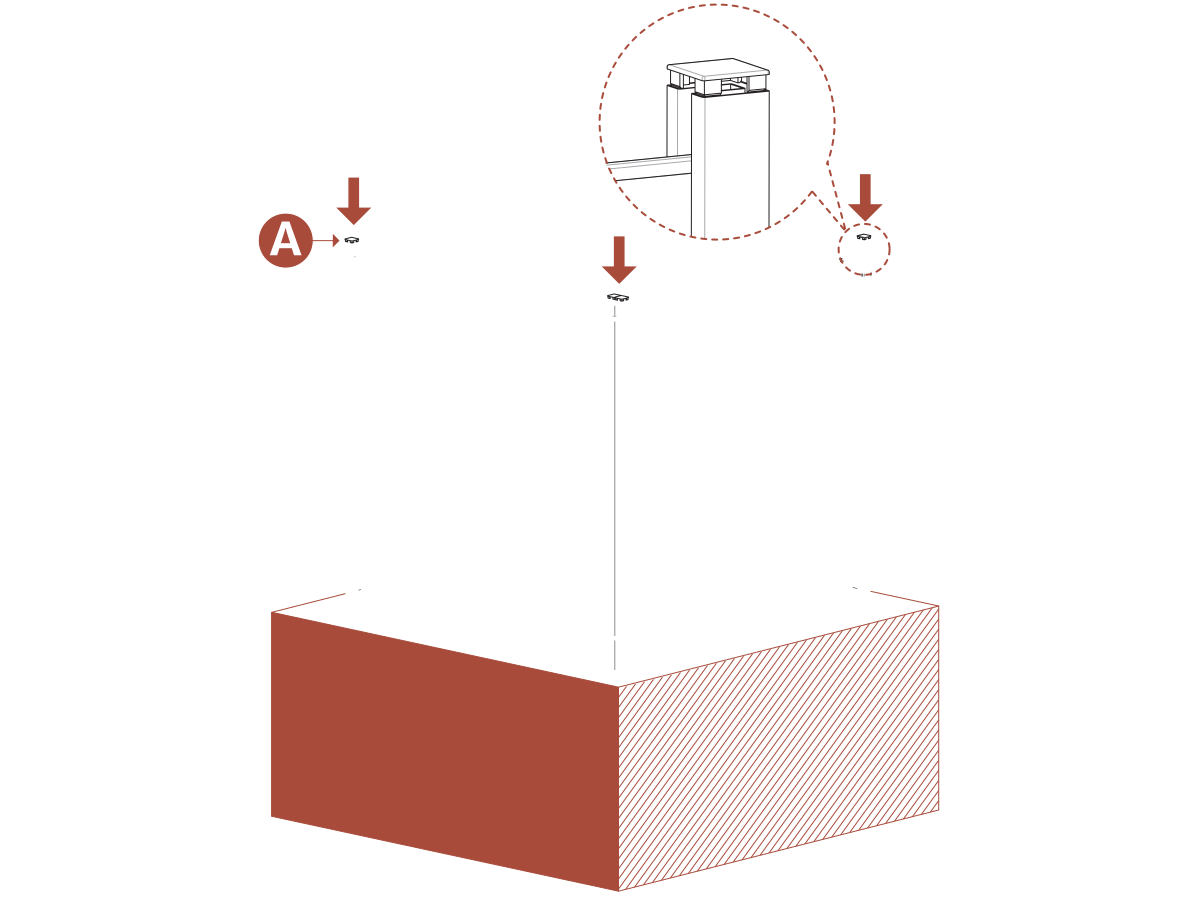
- Press Post Caps (A) firmly into the top of each post. If the fit is tight, use a hammer and a piece of cardboard to protect the cap and tap it gently into place.
Need Help?
- Email: support@encloscreens.com
- Phone: 704-892-5222 or 877-234-6196
- Text: 980-580-6508
